 France
 HongKong
 Japan
Japan Kenya
Kenya New Zealand
 Singapore
 USA
USA Tanzania
 UK
UK Uganda
 Vietnam
 Antwerp
 Dubai
Dubai IBU GIFT CITY
 Indonesia

Debit Cards

Master Titanium Debit card
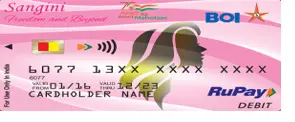
RuPay Sangini Debit card
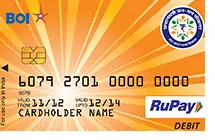
Rupay PMJDY Debit card
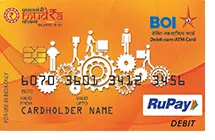
Rupay Mudra Debit card

Rupay Kisan Debit card
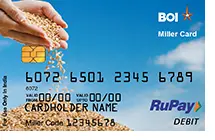
Rupay Punjab Arthia card
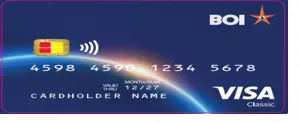
Visa Classic Debit card
Rupay NCMC Debit card

Master Bingo Debit card
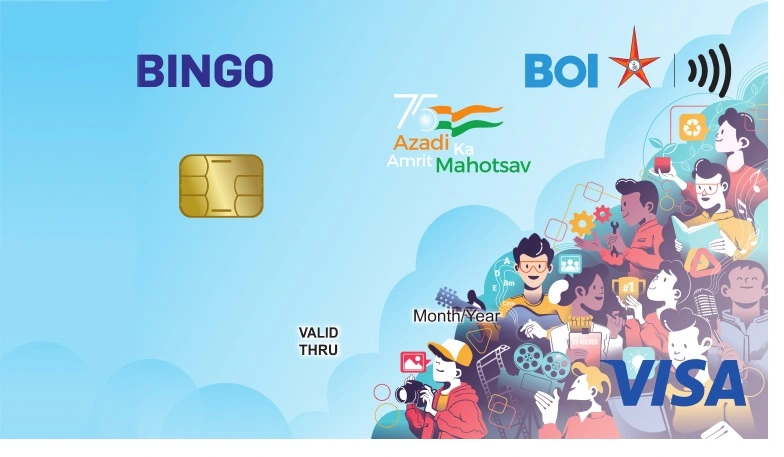
VISA BINGO DEBIT CARD
Debit Cards

Rupay Platinum Debit card
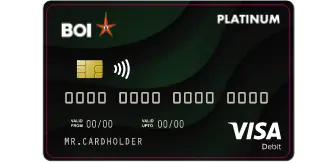
Visa Paywave (Platinum) Debit card

Mastercard Platinum Contactless Debit card
Debit Cards
Rupay Select Debit card
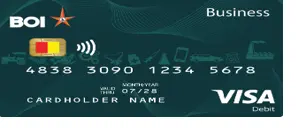
Visa Business Debit card
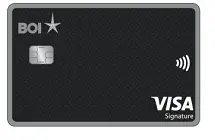
Visa Signature Debit card
Debit Cards
Debit Cards are issued in 2 forms
- Personalized Card – the name of the Cardholder is printed on the Card and Card will be received at the communication address of the Card Holder. Customer can be activated card by generating PIN using BOI ATM/ BOI Omni neo mobile bank application/ Branch channel
- Non–Personalized Card – the Card Holder’s Name is not printed on the Card. Card holder will get card instantly and can be activated by generating PIN using BOI ATM/ BOI Omni neo mobile bank application/ Branch channel
Bank of India issues Debit Cards on 3 platforms. They are MasterCard, VISA and RuPay.
They can be used at any ATM that displays MasterCard / VISA / RuPay / BANCS logo and at all Merchant Establishments (MEs) equipped with the Point of Sale (POS) terminals displaying MasterCard / VISA / RuPay logo.
- The Card can be issued to Individual accounts holder / Self-Operated of Savings and Current accounts
- For joint accounts, with operating instructions as ‘either or survivor’ or ‘anyone or survivor’ the card can be issued to anyone or more or all the joint account holders.
- The number of cards issued in an account will not exceed the number of joint account holders who are authorized to operate the account. The card can be issued if you are having withdrawal facility with withdrawal slips or Cheques.
- Card will be automatically un-blocked after 24 hours.
- You can also Unblock your Debit Card through your Internet Banking or Mobile banking or please visit your Branch and request for a new PIN.
- In case you have forgotten your PIN, reset PIN through Internet Banking or Mobile banking or approach the Branch for InstaPIN.
Yes, provided correct mobile number is registered with us
In the following ways you can change your Debit Card PIN –
- On the ATM machine itself
- Through your BOI Internet Banking.
- Through your BOI Mobile Banking.
- Never part with the debit card
- Never part with the debit card Never disclose the PIN.
- While doing any Point of Sale transactions, always ensure that card is swiped by the vendor in your presence.
- Never disclose CVV2 (3- digit number printed on reverse of the debit card) to anyone.
- While doing e-commerce transactions always ensure that the URL starts with https (and not http) for secure transactions.
If you suspect that your card is compromised, you need to immediately hot-list the card and obtain replacement.
Immediately Hotlist / Block your Debit Card.
- Call – 1800 425 1112 (Toll Free) 022-40429123 Or 022-40429127
- if you are having Internet Banking facility with transaction password, login in your Internet Banking account and request for hot-listing of the Debit card.
- Through BOI Omni neo mobile bank application.
- In case of further queries regarding Debit Cards, e-mail to: [email protected]
- Charge Back VISA: [email protected]
- Charge Back Master: [email protected]


